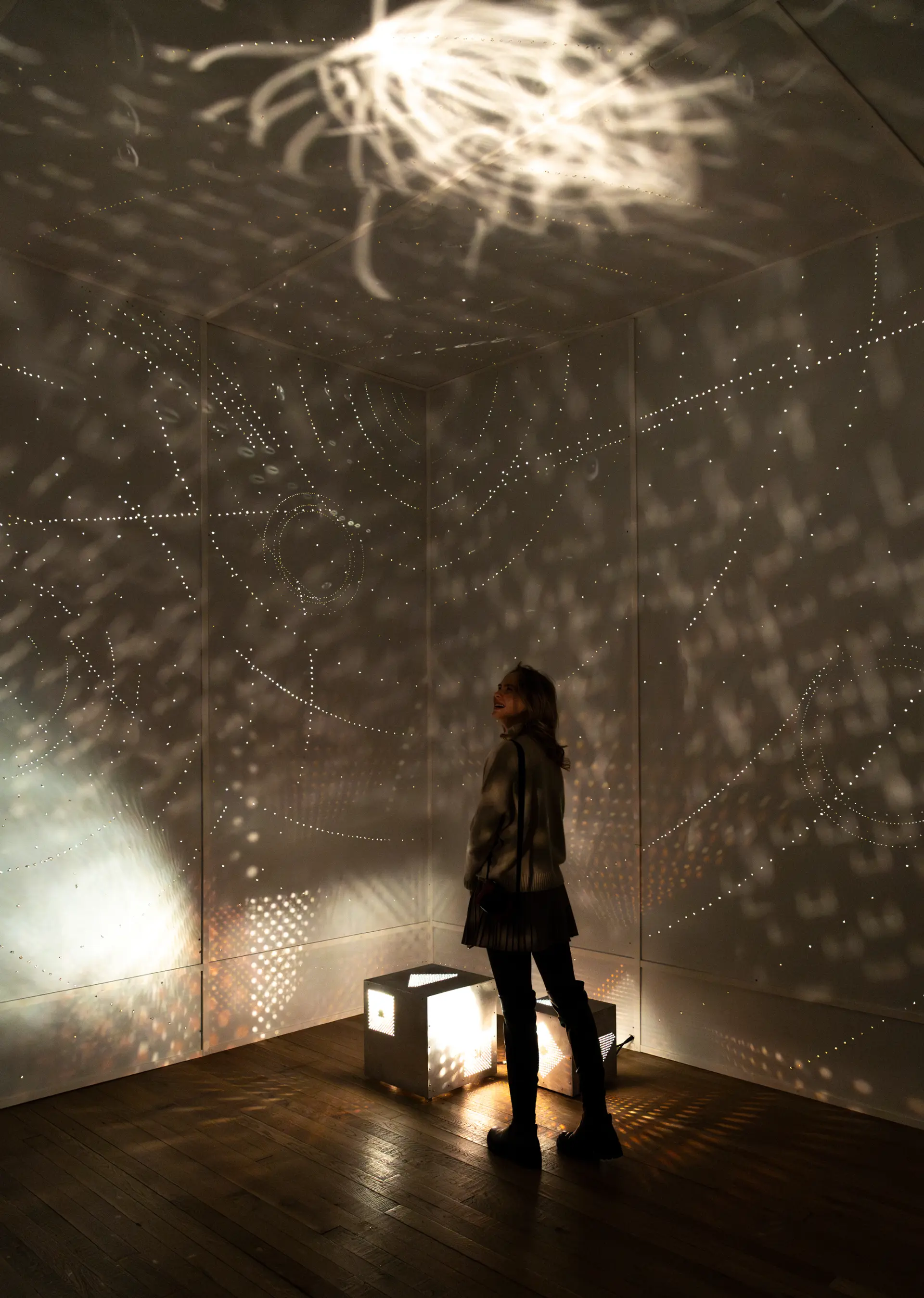
Spencer Chang: everyday
Spencer Chang: everyday
How everyday Measures Time
Hourly Prompts
Each hour, a new prompt appears, mirroring the natural rhythms of morning, afternoon, evening, and night. Playful, intimate, and sometimes absurd, the prompts invite you to transform fleeting gestures—stretching, spinning, tracing—into a digital ‘painting.’ This animated artwork remains fluid and ever-changing, transforming individual actions into a communal expression and a dynamic portrait of time shaped through movement. Across time zones, every participant receives the same prompt at the same hour, yet your marks remain uniquely your own. Prompts reveal themselves as you participate.
Individual Gestures
The phone has become an intimate part of our lives, held close, carried everywhere, and touched without thought. Digital gestures like tapping, swiping, and tilting have become second nature, shaping how we interact with the world. everyday makes these movements visible as distinct imprints: taps create pulses, held touches deepen strokes, and motion produces wisps. By reinterpreting habitual actions, everyday reveals the physicality of our relationship with technology, translating movement as a shared, visual language.
Collective Painting
Participants’ gestures layer atop one another to form a collective painting. Each hourly canvas compiles the gestures of all participants responding to the prompt within that hour, creating a shared record of presence that transcends time zones. As the days progress, this archive expands, reflecting the evolving rhythms of participation. On mobile, both your personal contributions and the collective painting are visible, while on desktop, only the collective painting is shown, emphasizing the daily intimacy we have with our devices.
Changing Colors
During the 24-second ritual of responding to each prompt, colors continuously shift, animating the collective moment. The colors in everyday are dynamically generated based on each participant’s local time at the moment they join, ensuring that every gesture carries the imprint of its creation. Hues change with the minute, saturation fluctuates with the second, and brightness transitions from day to night. This system ensures that every participant leaves a distinct imprint while collectively forming a living record of time.
About the everyday digital commission
Time, often perceived as a relentless forward march, is reimagined in everyday by Spencer Chang. This participatory code-based artwork asks us to rethink time not as something that controls us, but as something we shape—by inviting us to reclaim moments of the day through simple, playful gestures. Inspired by the quiet ritualism of On Kawara’s calendar paintings and the tangible daily turnover of tear-off calendars, everyday elevates our usual, mundane interactions with our phones into meaningful rituals woven into the rhythm of each day.
Through hourly prompts that mirror the natural transitions of our 24-hour day, Chang creates digital poems—brief, evocative invitations to play with our devices in new, physical ways. In response, everyday transforms participants’ movements into a visual poem capturing fleeting gestures as lasting marks of time. Playful, intimate, and sometimes absurd, the prompts in everyday—cradling, tracing, spinning, or even protecting a device—slow the rhythm of digital engagement, offering a moment of pause within an otherwise continuous flow of information. These gestures, archived indefinitely on Artlab’s website, become part of a larger, collective composition, reflecting Chang’s ongoing exploration of technology as a tool for communal flourishing.
This project redefines how we perceive time, as well as how we inhabit and shape it together. Chang’s practice is defined by a whimsical intimacy with technology—one that mirrors our own closeness to our phones, which we hold in our hands, against our faces, and in our pockets as constant companions. everyday extends that intimacy beyond the personal, transforming solitary gestures into a shared yet unseen choreography. In this way, everyday creates a space to pause, reflect, and recognize that being online is not just solitary, but inherently communal. As we shape time through movement, we remind ourselves that even in digital spaces, connection persists—alone, together, and in motion.
FAQ: Access and Permissions for the Artwork
For iPhone (iOS) – Chrome + Safari:
- Click share webpage
- Scroll down
- Click Add to Home Screen
For Samsung/Android - Chrome:
- Click the three dots on the top right
- Click Add to Home Screen
- Click Install
For iPhone (iOS) – Chrome + Safari:
- Click the share button below your digital drawing
- Scroll down
- Click "Save Image"
For Samsung/Android - Chrome:
- Click the save button below your digital drawing
- After the image downloads it will automatically appear in your Gallery
For iPhone (iOS) – Safari:
- Go to Settings → Safari → Enable Motion & Orientation Access
- Close Safari, reopen the artwork page, and refresh
For Android – Chrome:
- Open Chrome and type chrome://settings/content/sensors
- Ensure Motion Sensors are enabled
- If blocked, go to Settings → Apps → Chrome → Permissions and allow access
For Samsung Internet Browser:
- Open Menu (☰) → Settings → Site Permissions
- Enable Motion & Orientation Access and restart the browser
For Other Browsers (Firefox, Edge, etc.):
- Firefox (Android & iOS):
- Open Firefox and go to Settings → Site Permissions
- Look for Motion & Orientation Access and enable it
- Restart Firefox and reload the artwork page
- Microsoft Edge (Android & iOS):
- Open Settings → Site Permissions
- Enable Motion & Orientation Access
- Restart Edge and reload the artwork page
Still not working?
- Open the artwork in an Incognito/Private tab to reset permissions
- Clear your browser cache (Settings → Privacy & Security → Clear Browsing Data)
- Reinstall your browser and try again
About the Artist
Spencer Chang
Spencer Chang (b. Houston, 1997) is an artist and engineer interested in the play, care, and creation that emerge from our relationships with and through technology. Their practice—spanning internet environments, interactive sculpture, and creative infrastructure—reconstructs technology as a medium for communal flourishing. These works act as “interventions” that leverage whimsical intimacy to interrogate our systems, invite active imagination to reinvent them, and finally, equip us with the means to do so. Their work has been featured in the de Young Museum, Gray Area, CultureHub, and Frieze, among others. A NEW INC Y11 Art & Code member, they have hosted workshops and activations for institutions including Stanford University, the University of Pennsylvania, and SFPC.
Take a Closer Look
Editorial Article
Letter from the Editors: Intimate Technologies